Browser Comparison
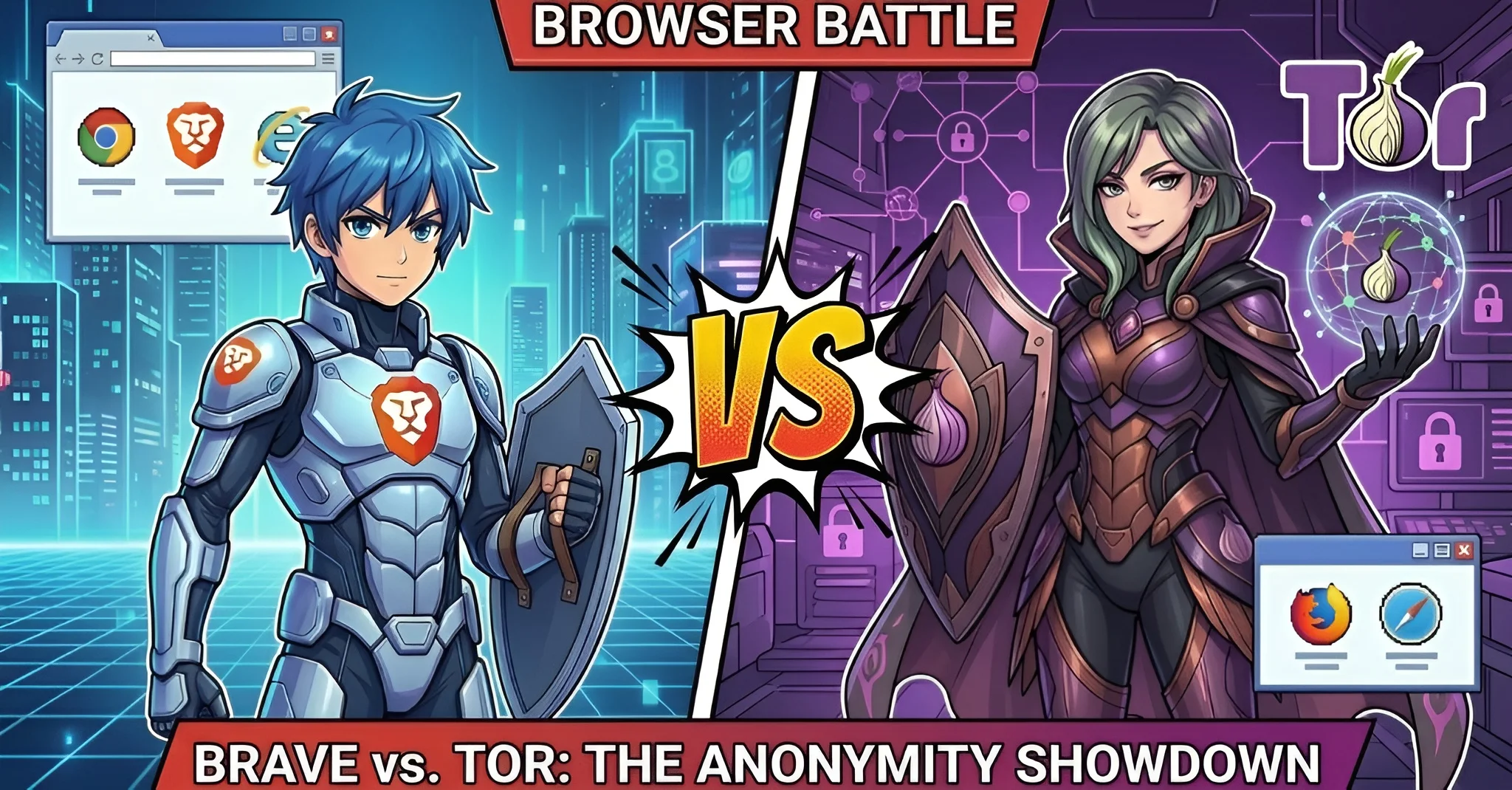
Brave vs Tor Browser: Privacy & Anonymity Comparison 2026
A comprehensive, data-driven comparison between the privacy-focused Brave Browser and the anonymity-first Tor Browser. Updated .

Brave
v1.76 (Chromium/Blink)
Tor Browser
v14.0.6 (Firefox ESR/Gecko)
Quick Verdict
These browsers serve fundamentally different threat models. Choose Brave if you want strong everyday privacy with fast browsing, ad blocking, extensions, and Web3 features. Choose Tor Browser if you need maximum anonymity, censorship circumvention, or protection against state-level surveillance. Brave prioritizes privacy (keeping your data private); Tor Browser prioritizes anonymity (making you unidentifiable).
Brave Wins For:
Speed, daily browsing, ad blocking, extensions, AI assistant, crypto/Web3, cross-platform sync
Tor Browser Wins For:
Maximum anonymity, censorship bypass, journalist source protection, .onion access, anti-fingerprinting
User Base Comparison
Active Users (2026)
Tor Network Stats
70M+
Brave MAU
2-3M
Tor Daily Users
1.1%
Brave Global Share
6-7K
Tor Relays
Basic Information
| Specification |
Brave
|
Tor Browser
|
|---|---|---|
| Developer | Brave Software, Inc. | The Tor Project, Inc. |
| Initial Release | January 2016 | September 2008 |
| Rendering Engine | Chromium/Blink | Firefox ESR/Gecko |
| Platforms | Windows, macOS, Linux, Android, iOS | Windows, macOS, Linux, Android (no iOS) |
| Open Source | Yes (MPL 2.0) | Yes (BSD 3-Clause / MPL 2.0) |
| Business Model | For-profit (ads, subscriptions, wallet fees) | Nonprofit (grants, donations, sponsorships) |
| License | MPL 2.0 | BSD 3-Clause + MPL 2.0 |
Privacy & Security
| Feature |
Brave
|
Tor Browser
|
|---|---|---|
|
Default Privacy Level
Out-of-box protection without configuration |
High
Shields blocks ads, trackers, fingerprinting |
Maximum
All traffic routed through Tor by default |
|
Ad & Tracker Blocking
Built-in protection against tracking |
Brave Shields
EasyList, EasyPrivacy, uBlock lists + Brave-specific |
First-Party Isolation
NoScript + first-party isolation prevents cross-site tracking |
|
IP Address Masking
Hiding your real IP from websites |
Optional
Private Window with Tor (desktop only) or Brave VPN |
Always (3-hop Tor circuits) |
|
HTTPS Enforcement
Automatic secure connection upgrades |
HTTPS by Default | HTTPS-Only Mode |
|
WebRTC Leak Protection
Prevents IP leak through WebRTC |
Restricted
Prevents local IP exposure by default |
Disabled
WebRTC completely disabled |
|
Cookie Policy
How cookies are handled |
3rd-party blocked
+ Forgetful Browsing (opt-in per-site) |
Isolated + cleared
Per-domain isolation; all data cleared on close |
|
Bounce Tracking Protection
Prevents redirect-based tracking |
Debouncing (enabled by default) |
Indirect
Circuit isolation mitigates but no dedicated feature |
|
Security Patches
Response time for critical vulnerabilities |
24-72 hours (Chromium zero-days) | 24-48 hours (Firefox ESR advisories) |
Anonymity & Network Architecture
Connection Model
Threat Protection Level
| Aspect |
Brave
|
Tor Browser
|
|---|---|---|
| Connection Method | Direct (or optional Tor/VPN) | 3-hop Tor circuit (always) |
| Relay Hops | 0 (direct) / 3 (Tor mode) | 3 (standard) / 6 (.onion services) |
| Circuit Isolation | Per-site (Tor mode only) | Per-site (all traffic) |
| .onion Support | Partial (Tor mode only, no Onion-Location) | Full (auto-redirect, client auth) |
| DNS Handling | DoH (standard) / Tor DNS (Tor mode) | All DNS through Tor network |
| ISP Can See Traffic | Yes (standard mode) | No (encrypted multi-hop) |
Fingerprinting Protection: Two Approaches
Randomization (Farbling)
Each session produces different, random fingerprint values. Websites get noise instead of your real fingerprint.
- Canvas: Pixel-level noise added per-session
- WebGL: Renderer/vendor strings modified
- Preserves compatibility: Most websites work normally
- Each user has a unique fingerprint (distinguishable)
Uniformity (resistFingerprinting)
All Tor Browser users present the same identical fingerprint. You blend into the crowd.
- Canvas: Extraction blocked/permission-gated
- Letterboxing: Window rounded to 200x100px multiples
- All users identical: Same user-agent, timezone (UTC), language (en-US)
- Some websites break due to restricted APIs
Censorship Resistance
| Capability |
Brave
|
Tor Browser
|
|---|---|---|
| Pluggable Transports | Not available | obfs4, WebTunnel, Snowflake, Conjure |
| Bridge Support | Not available | Full (BridgeDB, email, Telegram, MOAT) |
| Traffic Obfuscation | None (Tor traffic identifiable) | Traffic disguised as HTTPS/WebRTC |
| Connection Assist | Not available | Auto-detects censorship, selects transport |
| Suitability for Censored Regions | Not recommended | Purpose-built for this |
Tor's Pluggable Transports Toolkit
🔒
obfs4/Lyrebird
Randomized encrypted traffic, resistant to DPI
🌐
WebTunnel
Appears as normal HTTPS browsing
❄️
Snowflake
30,000+ volunteer WebRTC proxies
🧪
Conjure
Experimental refraction networking
Performance Comparison
Page Load Speed
Memory Usage (10 Tabs)
| Metric |
Brave
|
Tor Browser
|
Winner |
|---|---|---|---|
| Page Load Speed | 3-6x faster on ad-heavy sites | 3-10x slower (multi-hop routing) | Brave |
| Memory Usage | ~150-300 MB (moderate) | ~300-500 MB (moderate) | Brave |
| Startup Time | 1-3 seconds | 5-15 seconds (Tor bootstrap) | Brave |
| Bandwidth Overhead | Reduced (ad blocking saves data) | 200-600ms additional latency per hop | Brave |
| Anonymity Level | Privacy (not anonymous) | Maximum anonymity | Tor |
Features & Ecosystem
| Feature |
Brave
|
Tor Browser
|
|---|---|---|
| Extension Support | Chrome Web Store (full) | Minimal (NoScript only recommended) |
| AI Assistant | Brave Leo (multiple models) | Not available |
| Search Engine | Brave Search (own index) | DuckDuckGo (default) |
| Crypto Wallet | Brave Wallet (multi-chain) | Not available |
| Rewards Program | BAT tokens (70% ad revenue) | None |
| VPN | Brave VPN (WireGuard, $9.99/mo) | Built-in Tor (free, stronger anonymity) |
| Sync Across Devices | Brave Sync (E2E encrypted) | Not available (by design) |
| Mobile Support | Android + iOS | Android only (no iOS) |
Brave Ecosystem
- Brave Search: Independent index, Zero Data Retention, SOC 2 Type II
- Leo AI: Anonymous proxy, no data storage, multiple models (Claude, Llama, Mixtral)
- BAT Rewards: Earn 70% of ad revenue, 1.8M+ verified creators
- Brave VPN: WireGuard-based, system-wide protection
Tor Ecosystem
- Tor Network: 6-7K volunteer relays, 300-400 Gbps capacity
- .onion Services: Facebook, NYTimes, BBC, ProtonMail, SecureDrop
- Censorship Tools: Snowflake, WebTunnel, obfs4, Connection Assist
- Funding at risk: ~35% budget frozen by US EO 14169 (Jan 2025)
Which Browser Should You Choose?
Everyday private browsing
Brave (fast, blocks ads, full extension support)
Maximum anonymity
Tor Browser (3-hop routing, uniform fingerprint)
Censorship circumvention
Tor Browser (pluggable transports, bridges)
Cryptocurrency & Web3
Brave (built-in wallet, BAT rewards)
Journalist source protection
Tor Browser (SecureDrop, .onion access)
AI-assisted browsing
Brave (Leo AI with privacy proxy)
Cross-platform sync
Brave (Windows, Mac, Linux, iOS, Android)
Accessing .onion sites
Tor Browser (full native support)
Both browsers together
Brave daily + Tor Browser for sensitive tasks
Frequently Asked Questions
Is Brave's Tor mode as secure as Tor Browser?
No. While Brave's Private Window with Tor routes traffic through the Tor network, it lacks several critical protections that Tor Browser provides. Brave's Tor mode doesn't support pluggable transports or bridges, doesn't disable JavaScript by default, uses fingerprint randomization instead of uniformity (making you distinguishable), and has a larger attack surface due to Chromium. For high-threat scenarios, always use the dedicated Tor Browser.
Why is Tor Browser so slow?
Tor Browser routes all traffic through at least 3 relay nodes (guard, middle, exit), each adding 200-600ms of latency. For .onion services, traffic passes through 6 hops. The relay network's shared bandwidth capacity of 300-400 Gbps is split among 2-3 million daily users, typically giving 1-10 Mbps per user. This is the fundamental trade-off: maximum anonymity requires multiple hops, and speed is sacrificed for security.
Can I use Brave and Tor Browser together?
Yes, and this is a recommended approach for many users. Use Brave for everyday browsing where you want speed, ad blocking, extensions, and strong privacy. Switch to Tor Browser for sensitive activities requiring anonymity, such as researching sensitive topics, accessing .onion services, or communicating with sources. The key is to match the browser to the threat model of each task.
Does Brave collect any user data?
Brave's analytics (P3A) are opt-in and privacy-preserving. Brave Search has Zero Data Retention. Leo AI routes requests through an anonymous proxy that strips IP addresses, with no server-side conversation storage. Brave Ads use on-device matching with blinded tokens, so Brave cannot link ad views to specific users. The Tor Project collects no user data at all; Tor Browser is designed to leave no trace.
Is the Tor Project financially sustainable?
The Tor Project faces significant funding challenges. In January 2025, US Executive Order 14169 froze approximately 35% of its ~$7.3M annual budget (primarily Open Technology Fund grants). The organization has been diversifying toward corporate sponsors (Mullvad, Proton), foundation grants, and individual donations. While the volunteer-operated relay network isn't directly affected, reduced engineering staff could slow security patches and censorship circumvention tool development.
Which browser is better for avoiding fingerprinting?
It depends on your threat model. Brave's randomization (farbling) gives each session a unique but random fingerprint, preventing cross-session tracking while preserving website compatibility. Tor Browser's uniformity (resistFingerprinting) makes all users appear identical, providing stronger anonymity within the Tor user set but causing more website breakage. For everyday browsing, Brave's approach is more practical. For anonymity against sophisticated adversaries, Tor's uniformity is superior.