Browser Comparison
Brave vs Samsung Internet: Complete 2026 Comparison
A comprehensive, data-driven comparison between the privacy-focused Brave Browser and Samsung's Galaxy-optimized Internet browser. Updated .
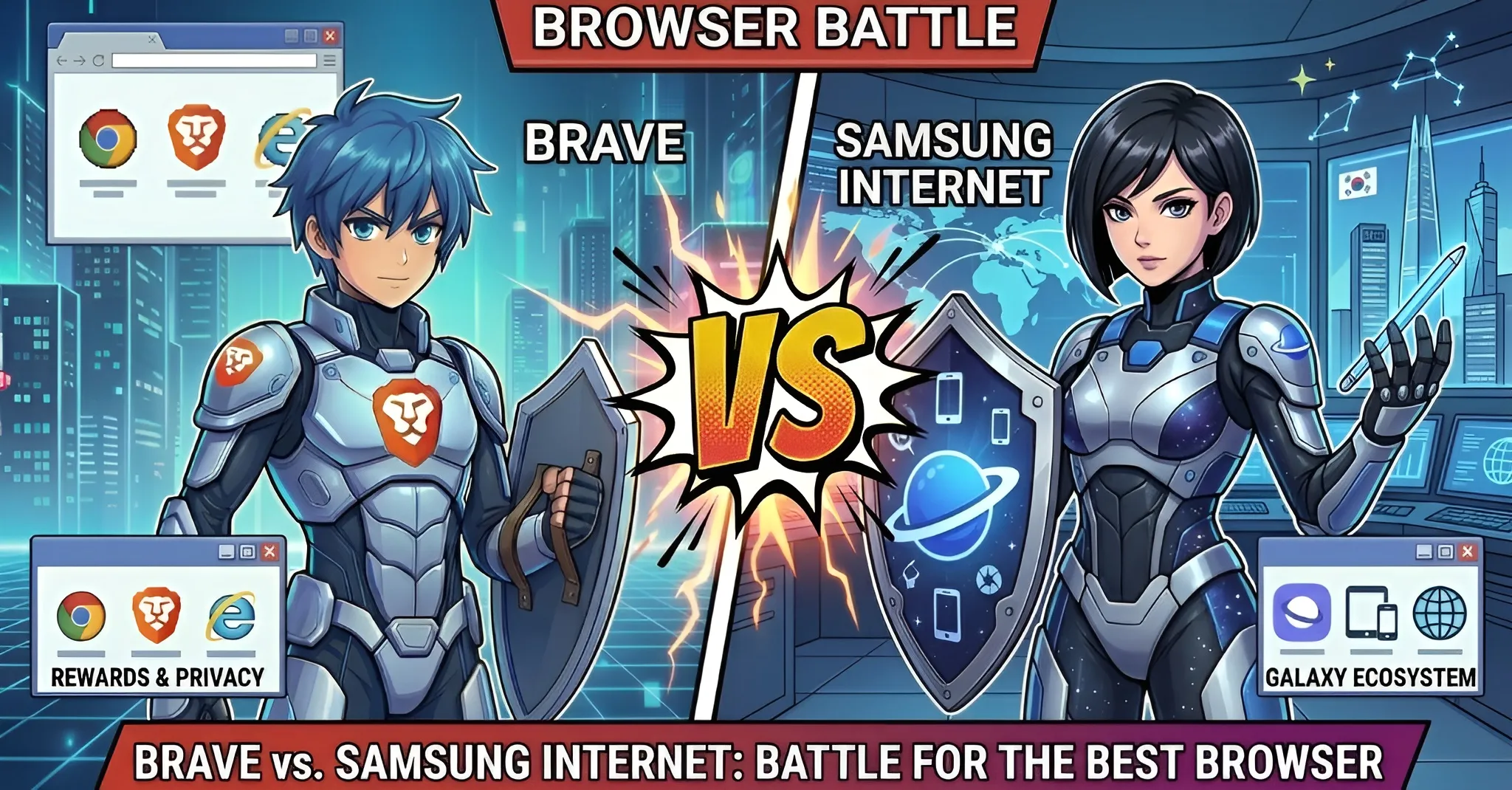

Brave
v1.76+ (Chromium)
Samsung Internet
v26+ (Chromium)
Quick Verdict
Both are Chromium-based browsers for Android, but they target fundamentally different users. Choose Brave if you want maximum privacy by default, built-in ad blocking without extensions, cross-platform sync, and Web3 features. Choose Samsung Internet if you own a Galaxy device, want seamless Samsung ecosystem integration (Samsung Pass, DeX, Smart TV casting), and prefer a browser optimized for your hardware.
Brave Wins For:
Privacy, ad blocking, cross-platform, crypto/Web3, AI assistant, Tor integration
Samsung Internet Wins For:
Galaxy integration, Samsung Pass, DeX desktop mode, video assistant, pre-installed convenience
Basic Information
| Specification |
Brave
|
Samsung Internet
|
|---|---|---|
| Developer | Brave Software, Inc. | Samsung Electronics Co., Ltd. |
| Initial Release | January 2016 | 2012 (as S Browser) |
| Rendering Engine | Chromium/Blink | Chromium/Blink (Samsung-customized) |
| Platforms | Windows, macOS, Linux, iOS, Android | Android, Samsung DeX only |
| Open Source | Yes (fully, MPL 2.0) | Partial (Chromium base only) |
| Business Model | BAT ads, premium subscriptions, search deals | Google search deal, Samsung device ecosystem |
| Chromium Update Lag | 1-3 weeks | 2-6 weeks |
| Pre-installed | No (requires download) | Yes (250M+ Galaxy devices/year) |
Privacy & Security
| Feature |
Brave
|
Samsung Internet
|
|---|---|---|
|
Tracker Blocking
Cross-site tracking prevention |
Aggressive (Shields)
Network-level, blocks 97-99% of trackers |
Smart Anti-Tracking (ML-based)
Restricts rather than blocks trackers |
|
Fingerprint Protection
Prevents browser fingerprinting |
Farbling + Randomization
Canvas, WebGL, AudioContext, screen resolution |
Limited
No randomization; relies on anti-tracking |
|
3rd-Party Cookies
Default cookie handling |
Blocked by default | Configurable, not default |
|
HTTPS Upgrades
Automatic secure connection |
Enabled by default | Configurable (v19+) |
|
Global Privacy Control
Do Not Sell signal (CCPA/GDPR) |
Enabled by default | Not supported |
|
AMP Bypass & Debounce
Skip AMP pages and bounce tracking |
Built-in (De-AMP + Debounce) | Not available |
|
Private Browsing with Tor
Access to onion routing |
Built-in | Not available |
|
Private Mode Security
Biometric lock for private sessions |
Standard private browsing | Secret Mode + biometric lock (Samsung Pass) |
|
Telemetry Collection
Data sent to servers |
Opt-in only (P3A)
Privacy-preserving analytics |
Usage diagnostics
Subject to Samsung privacy policy |
Ad Blocking & Content Filtering
Ad Blocking Effectiveness
Setup Steps Required
| Aspect |
Brave Shields
|
Samsung Extensions
|
|---|---|---|
| Approach | Built-in, network-level (Rust engine) | Extension-based (Content Blocker API) |
| Setup Required | 0 steps (enabled by default) | 3+ steps (search, install, enable) |
| Default Effectiveness | 97-99% blocked | 70-95% (depends on extension) |
| Custom Filter Lists | Yes (30+ regional lists, ABP syntax) | Extension-dependent |
| Cosmetic Filtering | Yes (hides ad placeholders) | Varies by extension |
| Cookie Consent Blocking | Yes (built-in) | No (requires extension) |
| Performance Impact | Minimal (compiled DAT format) | Moderate (filter list RAM overhead) |
Performance Benchmarks
RAM Usage (10 Tabs)
Cold Start Time
| Metric |
Brave
|
Samsung Internet
|
Winner |
|---|---|---|---|
| Page Load (Ad-Heavy Sites) | Up to 3x faster | Comparable to Chrome | Brave |
| RAM Usage (10 Tabs) | 700-900 MB | 600-800 MB (Galaxy optimized) | Samsung |
| Cold Start Time | 1-3 seconds | <1 sec on Galaxy (preloaded) | Samsung* |
| Battery Life | 1+ hour more than Chrome (ad blocking) | Better on Galaxy (Power Saving mode) | Tie |
| Data Savings | Saves 35%+ via ad/tracker blocking | Content Blocker extensions help | Brave |
* Samsung Internet startup advantage applies only on Samsung Galaxy devices with preloading enabled.
Features & Tools
| Feature |
Brave
|
Samsung Internet
|
|---|---|---|
| Extension Support | Chrome Web Store (full) | Samsung Content Blockers only |
| Cross-Device Sync | Brave Sync (E2E encrypted, 5+ platforms) | Samsung Cloud (Galaxy devices only) |
| Password Manager | Built-in (E2E encrypted) | Samsung Pass (biometric + Knox secure enclave) |
| Picture-in-Picture | Yes (standard) | Video Assistant (floating player + bookmarks) |
| Reader Mode | Speedreader | Reader Mode |
| Dark Mode | System + per-site | System + per-site |
| Desktop Mode | Standard desktop UA | Samsung DeX (full desktop with multi-window) |
| Offline Media | Brave Playlist (save video/audio) | Save Page (basic) |
| Built-in VPN | Brave VPN ($9.99/month) | Not available |
| Video Calls | Brave Talk (free 1-on-1) | Not available |
| Smart TV Casting | Not available | Smart View to Samsung TVs |
| Wearable Companion | Not available | Galaxy Watch app |
AI Features Comparison
Brave Leo AI
- Multiple AI models: Llama 3.1 8B (free), Claude, Qwen, Mixtral
- TEE privacy: Trusted Execution Environment, zero query logging
- Page context: Summarize, rewrite, analyze current page
- Premium: $7.99/month for advanced models
Samsung / Galaxy AI
- No built-in browser AI: No dedicated AI assistant in the browser
- Galaxy AI: Device-level AI via Samsung/Google partnership
- On-device processing: Some features run locally on Galaxy hardware
- Free: Currently free on supported Galaxy devices
Ecosystem Integration
Brave Ecosystem
- Cross-platform: Windows, macOS, Linux, iOS, Android
- Brave Search: Independent privacy-focused search engine
- Brave Wallet: Multi-chain crypto (Ethereum, Solana, Bitcoin)
- Brave Rewards: Earn BAT tokens (70% ad revenue share)
- Brave Talk: Video conferencing (free 1-on-1)
- Brave VPN: Premium VPN with Guardian firewall
- No hardware ecosystem integration
Samsung Galaxy Ecosystem
- Samsung Pass: Biometric passwords with Knox secure enclave
- Samsung DeX: Full desktop browser with multi-window
- Smart View: Cast to Samsung Smart TVs
- Galaxy Watch: Wearable companion browser
- One UI: Edge panels, Bixby Routines, Galaxy widgets
- Video Assistant: Floating PiP player with video bookmarks
- No cross-platform support (Android/DeX only)
Which Browser Should You Choose?
Maximum privacy
Brave (built-in Shields, Tor, no extensions needed)
Samsung Galaxy users
Samsung Internet (Pass, DeX, Smart TV, pre-installed)
Cross-platform sync
Brave (Windows/Mac/Linux/iOS/Android)
Desktop mode (DeX)
Samsung Internet (full desktop with multi-window)
Ad-free browsing
Brave (97-99% blocked out of the box)
Biometric passwords
Samsung Internet (Samsung Pass + Knox)
Cryptocurrency/Web3
Brave (native wallet + BAT rewards)
Video consumption
Samsung Internet (Video Assistant + TV casting)
AI assistant
Brave (Leo with multiple models + TEE privacy)
Frequently Asked Questions
Is Samsung Internet as private as Brave?
No. Brave offers significantly stronger privacy out of the box. It blocks ads, trackers (97-99%), and fingerprinting by default with Brave Shields, supports Global Privacy Control, and includes Tor integration. Samsung Internet has Smart Anti-Tracking (ML-based), but it restricts trackers rather than blocking them. For full ad blocking, Samsung Internet requires installing third-party extensions. Samsung also collects more usage diagnostics compared to Brave's opt-in-only P3A analytics.
Can I use Samsung Internet on non-Samsung Android devices?
Yes, Samsung Internet is available on the Google Play Store for any Android device running Android 7.0+. However, many of its best features (Samsung Pass biometric authentication, DeX desktop mode, Smart View TV casting, Galaxy Watch companion, preloaded fast startup) only work on Samsung Galaxy devices. On non-Samsung devices, you lose most ecosystem advantages, making Brave a stronger choice.
Does Brave work on Samsung Galaxy devices?
Yes, Brave works excellently on all Samsung Galaxy devices. You can download it from the Google Play Store or Galaxy Store. While you won't get Samsung-specific features like DeX integration or Samsung Pass, you'll get Brave's full privacy suite including Shields, Tor, Leo AI, Brave Wallet, and cross-platform sync across all your devices. Many Galaxy users run both browsers side-by-side.
Which browser is faster on Android?
It depends on the context. Samsung Internet cold-starts faster on Galaxy devices (<1 second vs 1-3 seconds) due to preloading, and uses slightly less RAM (600-800 MB vs 700-900 MB for 10 tabs) thanks to hardware optimization. Brave is significantly faster on ad-heavy websites (up to 3x) because its built-in Shields block ads and trackers before they load, reducing data transfer and rendering overhead. For overall daily browsing, both perform similarly on modern devices.
Which browser has better AI features?
Brave Leo is a purpose-built browser AI assistant with multiple model options (Llama 3.1 8B free, Claude and others on premium at $7.99/month), page context understanding, and strong privacy via Trusted Execution Environment. Samsung Internet has no built-in AI assistant; Galaxy AI operates at the device level through Samsung's Google partnership, not integrated into the browser. For browser-specific AI tasks like page summarization and content analysis, Brave wins clearly.
Should I replace Samsung Internet with Brave on my Galaxy phone?
It depends on your priorities. Replace with Brave if you prioritize privacy, ad-free browsing, cross-platform sync (especially if you use Windows, Mac, or Linux), cryptocurrency features, or want an AI assistant. Keep Samsung Internet if you heavily use Samsung Pass for passwords, DeX for desktop mode, Smart View for TV casting, or prefer the pre-installed convenience. Many users keep both: Samsung Internet for Galaxy-specific features and Brave for privacy-sensitive browsing.