Browser Comparison
Brave vs Mullvad Browser: Privacy Showdown 2026
Two of the most privacy-focused browsers compared head-to-head. Randomization vs uniformity, Chromium vs Gecko, feature-rich vs minimalist. Updated .
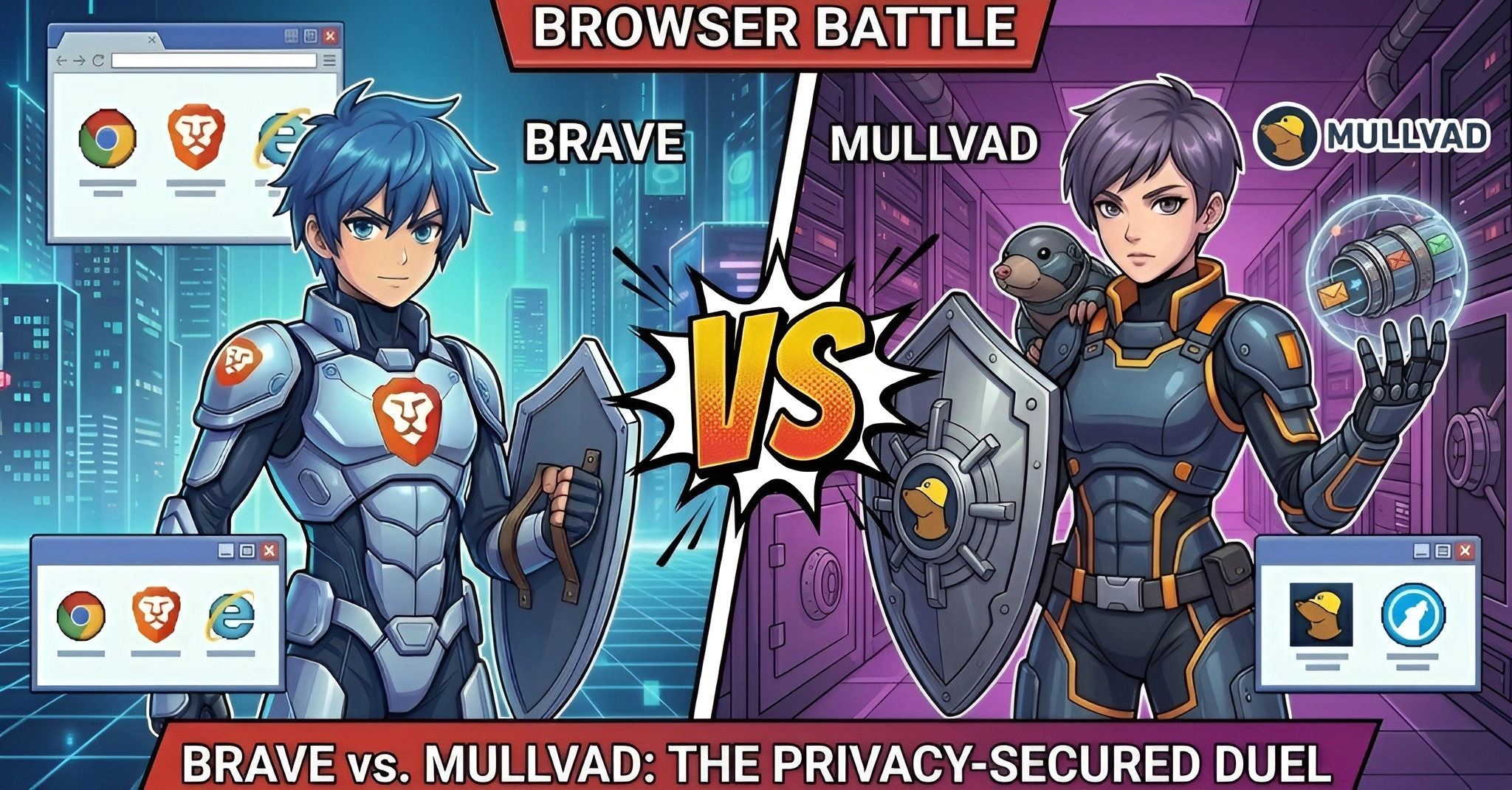

Brave
Chromium/Blink

Mullvad Browser
Gecko/Firefox ESR
Quick Verdict
Both are top-tier privacy browsers, but with fundamentally different approaches. Choose Brave if you want a full-featured daily driver with ad blocking, AI, crypto, cross-device sync, and strong mobile support. Choose Mullvad Browser if you prioritize maximum anti-fingerprinting, zero telemetry, and a minimalist "leave no trace" browsing experience paired with a VPN.
Brave Wins For:
Daily browsing, ad blocking, AI assistant, extensions, mobile, crypto, sync
Mullvad Wins For:
Anti-fingerprinting, zero telemetry, VPN pairing, anonymity, minimalism
Basic Information
| Specification |
Brave
|
Mullvad Browser
|
|---|---|---|
| Developer | Brave Software, Inc. | Mullvad VPN AB & The Tor Project |
| Initial Release | January 2016 | April 2023 |
| Rendering Engine | Chromium/Blink | Gecko (Firefox ESR) |
| Platforms | Windows, macOS, Linux, iOS, Android | Windows, macOS, Linux (limited iOS, no Android) |
| License | MPL 2.0 | MPL 2.0 |
| Business Model | Ads, subscriptions, BAT token | Free (funded by Mullvad VPN subscriptions) |
| Release Cycle | ~4 weeks (Chromium rapid release) | Firefox ESR (stable); 4-week (alpha) |
Privacy Philosophy: Two Different Approaches
Brave and Mullvad Browser take fundamentally different approaches to protecting your privacy. Understanding this difference is key to choosing between them.
Randomization
Brave's approach
Each browsing session produces different, randomized fingerprint values. Trackers get inconsistent readings every time, preventing cross-site linkability.
Session 1: a7f2b...
Session 2: 3d91c...
Session 3: f8e4a...
- High site compatibility
- Works regardless of user base size
- Users not identical at any single point in time
Uniformity
Mullvad Browser's approach
All users share a nearly identical fingerprint per OS. The approach is "hide in the crowd" -- every user looks the same to trackers.
User A: e5c8d...
User B: e5c8d...
User C: e5c8d...
- True anonymity among users
- Proven Tor Browser methodology
- Effectiveness depends on user base size
Privacy & Security
| Feature |
Brave
|
Mullvad
|
|---|---|---|
|
Built-in Ad Blocking
Native ad and tracker blocking |
Brave Shields
Built-in C++/Rust engine |
uBlock Origin + NoScript
Pre-installed extensions |
|
Third-Party Cookies
Cross-site cookie handling |
Blocked + Partitioned
Ephemeral storage isolation |
Blocked + Isolated
Total Cookie Protection |
|
HTTPS Default
Secure connection enforcement |
HTTPS-By-Default | HTTPS-Only Mode |
|
Permanent Private Browsing
Always-on ephemeral mode |
Optional per-site | Always on by default |
|
Telemetry
Data sent to servers |
Minimal (P3A)
Privacy-preserving, opt-out available |
Zero
Telemetry removed at compile time |
|
Private Browsing with Tor
Onion routing integration |
Built-in (limited) | Not included (use VPN) |
Fingerprint Protection: Deep Dive
| Technique |
Brave
|
Mullvad
|
|---|---|---|
| Canvas/WebGL | Randomized (farbling) | Blocked (returns blank) |
| Letterboxing | No (screen dims farbled) | Yes (200x100px buckets) |
| WebRTC Leak Protection | Public interface only (default) | Toggle via extension |
| User-Agent | Simplified string | Standardized (uniform) |
| Font Enumeration | Restricted + randomized metrics | Curated allowlist (uniform) |
| Timezone | System default | Spoofed to UTC |
| Screen Dimensions | Farbled values | Normalized + letterboxed |
| Hardware Concurrency | Randomized | Disabled |
Privacy Protection Score (Higher = Better)
Feature Comparison Radar
Network & VPN Integration
| Feature |
Brave
|
Mullvad
|
|---|---|---|
| VPN | Brave VPN (paid add-on, WireGuard) | Mullvad VPN (separate, $5/mo) |
| VPN Model | Optional built-in | Companion (browser + VPN separate) |
| Tor Integration | Private Window with Tor | None (by design) |
| DNS-over-HTTPS | Configurable (not default) | Enabled by default (Mullvad DNS) |
| Proxy Support | System + SOCKS5 via CLI | Firefox proxy settings |
Features & Extensions
| Feature |
Brave
|
Mullvad
|
|---|---|---|
| Extension Store | Chrome Web Store (full) | Firefox Add-ons (discouraged) |
| Manifest V3 Impact | Shields compensates for MV3 limits | Not affected (MV2 fully supported) |
| Cross-Device Sync | Brave Sync v2 (E2E encrypted) | None (by design) |
| Default Search | Brave Search (own index) | DuckDuckGo |
| Crypto Wallet | Brave Wallet (ETH, SOL, etc.) | None |
| Rewards Program | BAT tokens (70% ad revenue) | None |
| Built-in Tools | Talk, Playlist, Speedreader, De-AMP | uBlock Origin, NoScript |
AI Features Comparison
Brave Leo AI
- Multiple AI models: Llama, Claude, Qwen (free); Sonnet, DeepSeek (premium)
- Page context: Summarize, Q&A, rewrite content
- Privacy: Anonymizing reverse proxy, no data retention
- BYOM: Connect your own models (GPT-4, Ollama)
No AI Features
Mullvad Browser intentionally includes no AI features. This is a deliberate design choice:
- AI assistants require server-side processing that could compromise privacy
- Minimalist approach means fewer potential data leakage vectors
- No plans announced for AI integration
Performance & Usability
| Metric |
Brave
|
Mullvad
|
Winner |
|---|---|---|---|
| Page Load Speed | 20-30% faster on ad-heavy sites | Comparable to Firefox; CAPTCHA friction | Brave |
| Memory Usage | ~150-400 MB (typical) | ~300-600 MB (typical) | Brave |
| Mobile Support | Full iOS & Android apps | Limited iOS, no Android | Brave |
| Site Compatibility | High (Chromium-based) | Moderate (strict privacy may break sites) | Brave |
| UI Customization | Themes, new tab, sidebar | Minimal (customization breaks fingerprint) | Brave |
| Update Frequency | Every ~4 weeks | Security patches every 4-6 weeks | Tie |
Business Model & Trust
Brave Software
- Revenue: Diversified (ads, subscriptions, search, BAT)
- Users: 70M+ monthly active users
- Audits: Cure53, Trinity College Dublin study
- VC-funded: $36M early rounds + $35M BAT ICO
- Incidents: 2020 affiliate links, 2021 Tor DNS leak (both fixed)
Mullvad VPN AB
- Revenue: VPN subscriptions only ($5/mo)
- Ownership: 100% founder-owned, no VC, no investors
- Audits: Cure53 (4th audit), Assured Security, X41 D-Sec
- Raid test: 2023 police raid -- left empty-handed (no logs)
- User base: Not disclosed (smaller anonymity set)
Which Browser Should You Choose?
Daily browsing
Brave (full-featured, fast, compatible)
Maximum anonymity
Mullvad (uniform fingerprint + VPN)
Mobile browsing
Brave (full iOS & Android support)
Zero telemetry
Mullvad (telemetry removed at build)
AI assistance
Brave (Leo AI built-in)
Journalists & activists
Mullvad (leave no trace + VPN)
Crypto & Web3
Brave (native wallet + BAT)
Anti-fingerprinting
Mullvad (Tor Project methodology)
Cross-device sync
Brave (E2E encrypted sync chain)
Frequently Asked Questions
Is Mullvad Browser more private than Brave?
It depends on your threat model. Mullvad Browser provides stronger anti-fingerprinting through uniformity (all users look identical) and collects zero telemetry. Brave uses randomization which is effective against commercial tracking while maintaining better site compatibility. For maximum anonymity against sophisticated trackers, Mullvad paired with its VPN is stronger. For everyday privacy without usability trade-offs, Brave offers a more practical solution.
Do I need Mullvad VPN to use Mullvad Browser?
No, Mullvad Browser works without Mullvad VPN and with any VPN provider. However, the browser was specifically designed as a companion to Mullvad VPN. The browser extension can detect VPN status and check for leaks. The anti-fingerprinting model is most effective when users share the same VPN exit IP, creating a larger anonymity set.
Can I install extensions in Mullvad Browser?
Technically yes (it supports Firefox Add-ons), but it's strongly discouraged. Any additional extension changes your browser fingerprint and breaks the uniformity model that provides anonymity. Mullvad Browser ships with uBlock Origin and NoScript pre-installed -- these are the only extensions recommended. Brave, on the other hand, fully supports the Chrome Web Store without privacy trade-offs.
Why doesn't Mullvad Browser include Tor if it's built by the Tor Project?
Mullvad Browser is deliberately designed as "Tor Browser without Tor." It uses the Tor Project's anti-fingerprinting technology but routes traffic through a VPN instead of the Tor network. This gives users strong fingerprint resistance with better performance (no Tor latency). For users who need onion routing, the dedicated Tor Browser or Brave's built-in Tor mode are better options.
Which browser is better for mobile?
Brave is significantly better for mobile. It offers full-featured apps for both iOS and Android with Shields, Leo AI, Rewards, and Sync. Mullvad Browser has a limited iOS app (fork of Onion Browser) and no official Android browser. If mobile privacy browsing is important to you, Brave is the clear choice.
Can I use both browsers?
Yes, this is a great strategy. Use Brave for everyday browsing, email, social media, and tasks that benefit from sync, extensions, and AI features. Use Mullvad Browser for sensitive research, anonymous browsing sessions, or when you need maximum fingerprint resistance. Since Mullvad clears everything on close, it's perfect as a "clean room" browser while Brave handles your daily workflow.