Browser Comparison
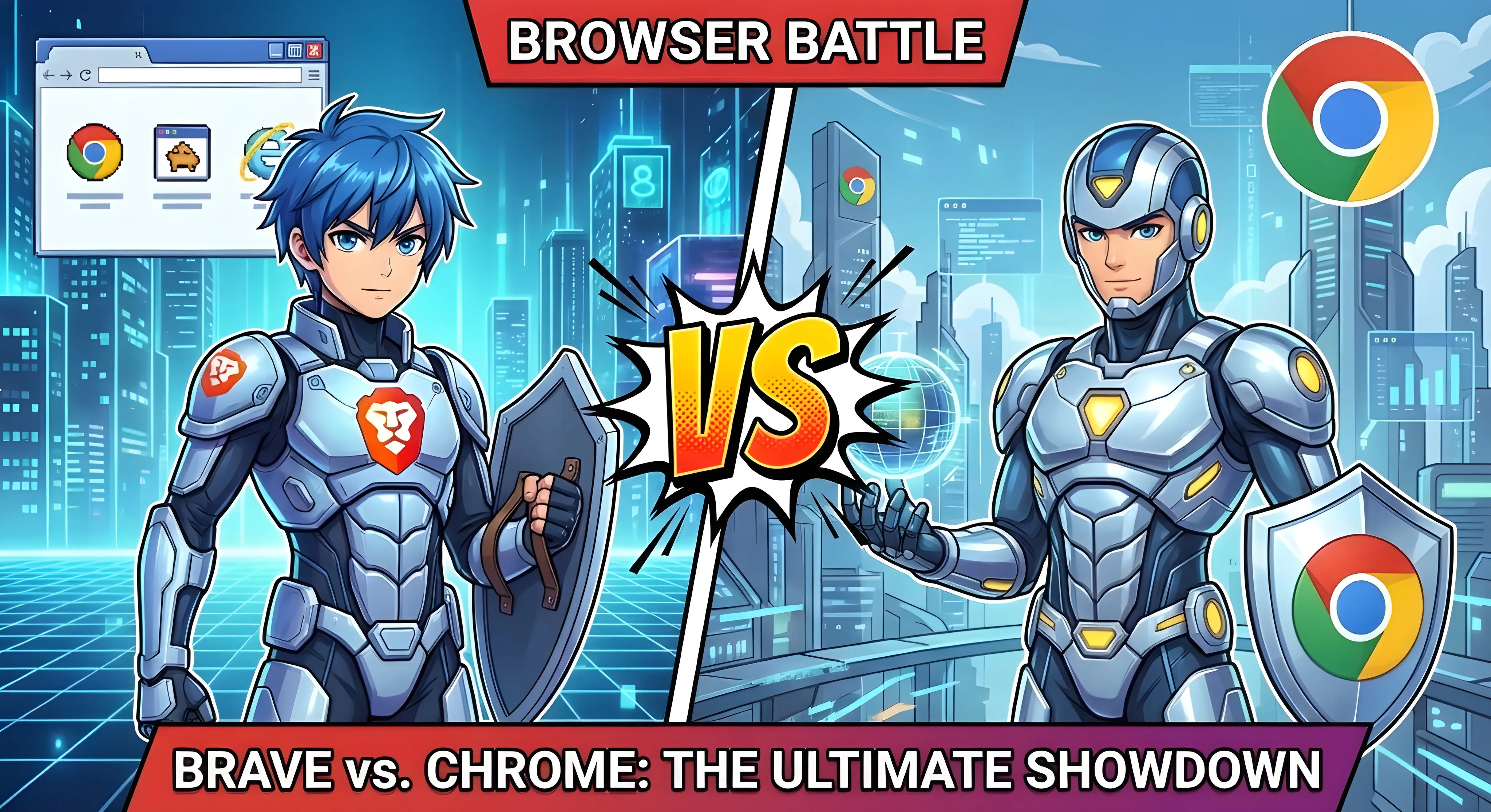
Brave vs Chrome: Complete 2026 Comparison
A comprehensive, data-driven comparison between the privacy-focused challenger and the world's most popular browser. Updated .

Brave
v1.88.35 (Chromium 144)

Chrome
v144 (Chromium 144)
Quick Verdict
Brave wins decisively on privacy and speed, blocking ads and trackers by default while using the same Chromium engine as Chrome. Both browsers share the same rendering technology, but Brave loads pages 21% faster on mobile and uses 40% less battery. Choose Chrome if you need deep Google ecosystem integration, Gemini AI features, or enterprise management. Choose Brave for privacy, ad-free browsing, crypto rewards, and a cleaner web experience.
Brave Wins For:
Privacy, ad blocking, speed, battery life, crypto/Web3, lower data usage
Chrome Wins For:
Google ecosystem, enterprise features, Gemini AI, market compatibility
Basic Information
| Specification |
Brave
|
Chrome
|
|---|---|---|
| Developer | Brave Software, Inc. | Google LLC |
| Initial Release | January 2016 | September 2008 |
| Rendering Engine | Blink (Chromium 144) | Blink (Chromium 144) |
| Platforms | Windows, macOS, Linux, iOS, Android | Windows, macOS, Linux, iOS, Android, ChromeOS |
| Open Source | Yes (fully - MPL 2.0) | Partial (Chromium under BSD) |
| Business Model | BAT ads (70% to users), VPN, Leo Premium | Advertising data collection, Enterprise subscriptions |
| Default Search | Brave Search (privacy-focused) | Google Search |
Privacy & Security
This is where the two browsers differ most significantly. Brave was built from the ground up with privacy as its core mission, while Chrome's business model relies on data collection.
| Feature |
Brave
|
Chrome
|
|---|---|---|
|
Built-in Ad Blocking
Native ability to block advertisements |
Brave Shields
Blocks by default, 75% memory optimized |
Not Available
Requires extensions (limited by MV3) |
|
Tracker Blocking
Cross-site tracking prevention |
Aggressive (Shields)
Blocks bounce tracking, URL parameters |
Minimal
No built-in protection |
|
Third-Party Cookies
Cross-site tracking cookies |
Blocked by Default
Since launch in 2016 |
Enabled by Default
Deprecation cancelled July 2024 |
|
Fingerprint Protection
Prevents browser fingerprinting |
Farbling + Randomization
Per-session, per-site seed values |
None
No native protection |
|
Manifest V3 Impact
Extension API restrictions (ad blockers) |
Unaffected
Native blocking + hosts MV2 extensions |
Severely Limited
MV2 removed June 2025, 330K rule limit |
|
Private Browsing with Tor
Access to onion routing |
Built-in since 2018 | Not Available |
|
Built-in VPN
Integrated VPN service |
$9.99/mo (10 devices) | Not Available |
|
Data Collection
User data gathered by browser |
Minimal (Opt-in P3A)
Privacy-preserving analytics |
Extensive
Browsing, search, location data |
|
Global Privacy Control
Do Not Sell signal (CCPA/GDPR) |
Enabled by default | Not supported |
Performance Benchmarks
Both browsers use the same Chromium engine, but Brave's ad blocking gives it a significant edge in real-world performance.
Speedometer 3.0 Score (Higher = Better)
RAM Usage Comparison
| Metric |
Brave
|
Chrome
|
Winner |
|---|---|---|---|
| Page Load Speed (Mobile) | 21% faster than Chrome | Baseline | Brave |
| RAM Usage (20 tabs) | ~1.5GB | ~1.9GB | Brave |
| Battery Life (Mobile) | 40% better than Chrome | Baseline (Energy Saver helps) | Brave |
| CPU Usage | 9% lower than Chrome | Baseline | Brave |
| Data Usage (Mobile) | 14% less than Chrome | Baseline | Brave |
| Speedometer 3.0 (M3 Pro) | 37.6 | 37.8 | Tie |
Features & Tools
| Feature |
Brave
|
Chrome
|
|---|---|---|
| Extension Support | Chrome Web Store + MV2 preserved | Chrome Web Store (MV3 only) |
| Sync Across Devices | Brave Sync (E2E encrypted, no account) | Google Account (optional E2E) |
| Password Manager | Built-in (E2E encrypted sync) | Google Password Manager (passkeys) |
| Developer Tools | Chrome DevTools (inherited) | Chrome DevTools (AI-powered) |
| Built-in Translation | Via extensions | Google Translate (native) |
| Video Conferencing | Brave Talk (built-in, private) | Google Meet (via web) |
| Picture-in-Picture | Yes | Yes |
| Tab Groups | Yes (vertical tabs too) | Yes |
AI Features Comparison
Both browsers now offer integrated AI assistants, but with vastly different approaches to privacy.
Brave Leo AI
- Free tier: Llama 3.1 8B, Mixtral 8x7B
- Premium ($14.99/mo): Claude Sonnet 4, DeepSeek R1, Qwen 3
- Privacy: Zero server storage, local history only
- BYOM: Connect your own AI (GPT-4, Ollama, etc.)
- Multi-tab context: Analyze multiple pages simultaneously
Google Gemini
- Free tier: Basic Gemini in address bar
- AI Pro ($19.99/mo): Gemini Advanced, 1M token context
- Privacy: Data processed on Google servers
- Integration: Works with Gmail, Docs, Drive, YouTube
- Agentic: Browser agent for automated tasks (Pro)
Web3 & Cryptocurrency
| Feature |
Brave
|
Chrome
|
|---|---|---|
| Built-in Crypto Wallet | Brave Wallet (self-custody) | Not Available |
| Supported Blockchains |
Ethereum, Solana, Cardano, Bitcoin + all EVM chains (Polygon, BNB, etc.) |
N/A (requires extensions) |
| Rewards Program |
BAT tokens (70% ad revenue share) ~2M verified creators |
None |
| dApp Support | Full Web3 provider (native) | Via MetaMask extension |
| NFT Support | Native display & management | Not Available |
| Self-Custody Payouts | Solana wallet (since v1.81) | N/A |
Ecosystem Integration
Brave Ecosystem
- Brave Search: Privacy-focused, independent index
- Brave Sync: E2E encrypted, no account required
- Brave Talk: Private video conferencing
- Brave Wallet: Multi-chain crypto wallet
- Brave VPN: Device-wide protection ($9.99/mo)
- Leo AI: Private AI assistant
Google Ecosystem
- Google Account: Seamless sign-in across services
- Google Workspace: Docs, Sheets, Drive integration
- Gmail: Native notifications and compose
- Google Password Manager: Passkey support
- Gemini AI: Integrated across Google apps
- Chrome Enterprise: 200+ policies ($6/user/mo)
Which Browser Should You Choose?
Privacy-conscious users
Brave (blocks trackers by default)
Google Workspace users
Chrome (deep integration)
Ad-free browsing
Brave (no extensions needed)
Enterprise/IT admins
Chrome (200+ policies, DLP)
Battery life priority
Brave (40% better on mobile)
Gemini AI power users
Chrome (native integration)
Cryptocurrency/Web3
Brave (native wallet + rewards)
Circle to Search (Android)
Chrome (exclusive feature)
uBlock Origin users
Brave (MV2 preserved)
Frequently Asked Questions
Can I use Chrome extensions in Brave?
Yes, Brave fully supports Chrome extensions. You can install them directly from the Chrome Web Store. Additionally, Brave continues to support Manifest V2 extensions (like uBlock Origin, NoScript, and uMatrix) that Chrome has removed, making it the better choice for power users who rely on these privacy tools. If you prefer a non-Chromium alternative, Firefox also supports these extensions via its own add-ons system.
Is Brave really faster than Chrome?
In real-world usage, yes. Brave loads pages 21% faster on Android because it blocks ads and trackers before they load. This also results in 14% less data usage and 40% better battery life on mobile. In pure JavaScript benchmarks (Speedometer), they're nearly identical since both use the same Chromium engine.
What happened to Chrome's third-party cookie deprecation?
Google reversed its plans in July 2024 and confirmed in April 2025 that third-party cookies will remain enabled by default in Chrome. The Privacy Sandbox initiative was largely abandoned in October 2025 due to low ecosystem adoption. This is a key privacy difference—Brave has blocked third-party cookies by default since its launch in 2016.
Can I sync my bookmarks from Chrome to Brave?
Yes, Brave includes a built-in import feature. Go to Settings → Import bookmarks and settings to bring over your bookmarks, passwords, browsing history, and settings from Chrome in just a few clicks. The transition is seamless because both browsers are built on Chromium.
Does Brave block YouTube ads?
Yes, Brave Shields blocks most YouTube video ads by default, including pre-roll, mid-roll, and banner ads—without needing any extensions. This is a major advantage over Chrome, where ad blockers are increasingly limited by Manifest V3 restrictions.
Which browser has better AI features?
Brave Leo offers better privacy (zero server storage, BYOM support) and a lower premium price ($14.99/mo vs $19.99/mo). Chrome's Gemini offers deeper Google Workspace integration and more advanced agentic features. Choose Leo for privacy, choose Gemini if you're invested in the Google ecosystem.